Account Login | Important Information

  • Open an Account
  • Apply For A Loan
    • Business
    • Consumer
    • Real Estate
    • HELOC
main-logo

Account Login
  • Services
        • Accounts
          • Savings
          • Checking
          • MAC Kids
          • MAC Teen
          • IRA
          • Share Certificates
          • Money Market
          • Order Checks
          • Regular Fee Schedule
        • Loans
          • Apply Online
          • Online Loan Payments
          • Auto Loans
          • Mortgage Loans
          • Home Equity Loans
          • Personal Loans
          • Natural Gas Conversion Loans
          • Loan Rates
          • Skip Payment
          • File a Claim
          • Wire Transfers
        • Business Services
          • Business Account Products
          • Business Lending Products
          • Business Fee Schedule
        • Cards
          • VISA Debit Cards
          • VISA Credit Cards
          • VISA Debit/VISA Credit Card Activation
          • Identity Theft Protection
          • Lost/Stolen Cards
        • Online, Phone & Mobile Banking
          • Mobile Banking
          • Zelle®
          • Bill Pay
          • eStatements
          • iTalk Audio Teller
        • Insurance
          • Auto, Home & Business
          • Life & Health
        • Become a Member
          • Why Become a Member?
          • The MAC FCU Difference
          • Rates
  • Military
    • Deployment Information
  • Financial Tools
    • Personalized Loan Solutions
    • Full Service Membership
    • Calculators
    • NADA Vehicle Guide
  • News
  • Security & Fraud Prevention
  • About MACFCU
    • Our History
    • Mission Statement
    • Our Team
    • Board of Directors
    • Testimonials
    • Financials
    • Community Outreach
    • MAC PAC
  • Contact
    • Locations & ATMs
      • Ft. Wainwright Branch
      • 10th Avenue Branch
      • Wasilla Branch
      • Palmer Branch
      • ATMs
      • Shared Branches
      • Holiday Closures
    • Call Center
    • Employment
    • Job Openings
Home > Security & Fraud Prevention > Cybersecurity

Cybersecurity

There is nothing spookier than fraud!

Protect yourself out there is cyberspace! Learn about the different ways that bad actors attempt to gain access to your accounts and private information. Stay safe out there!

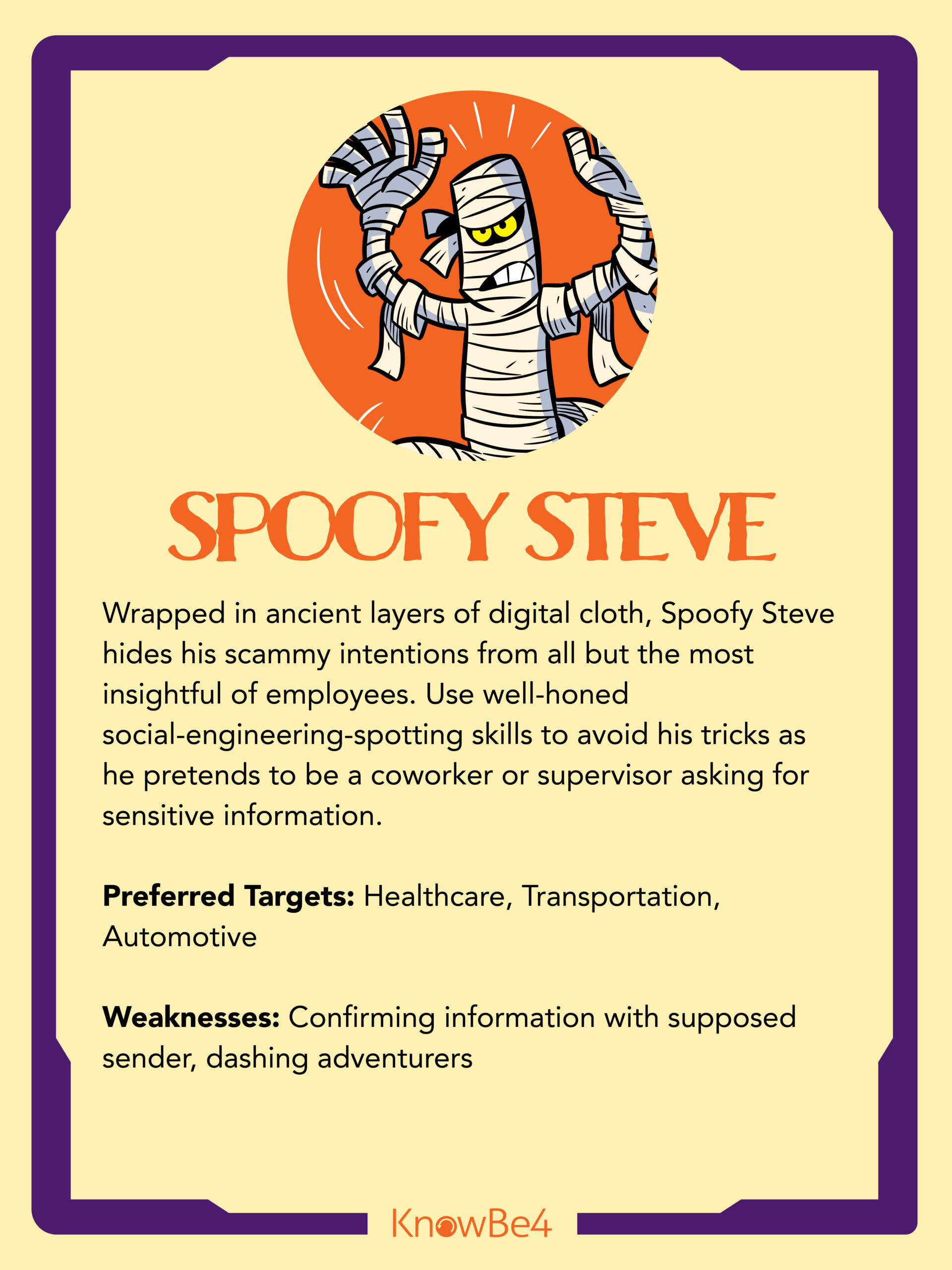
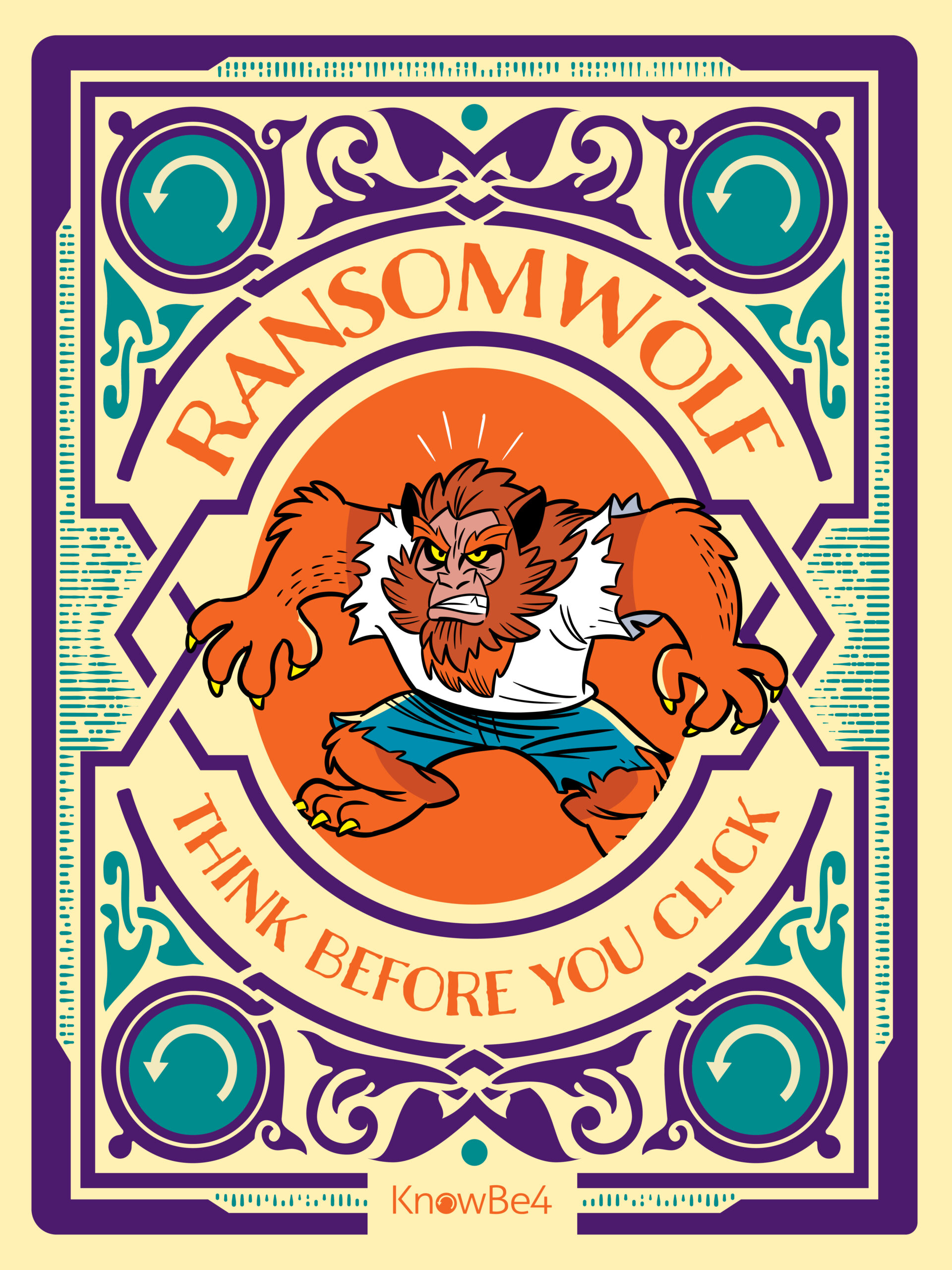
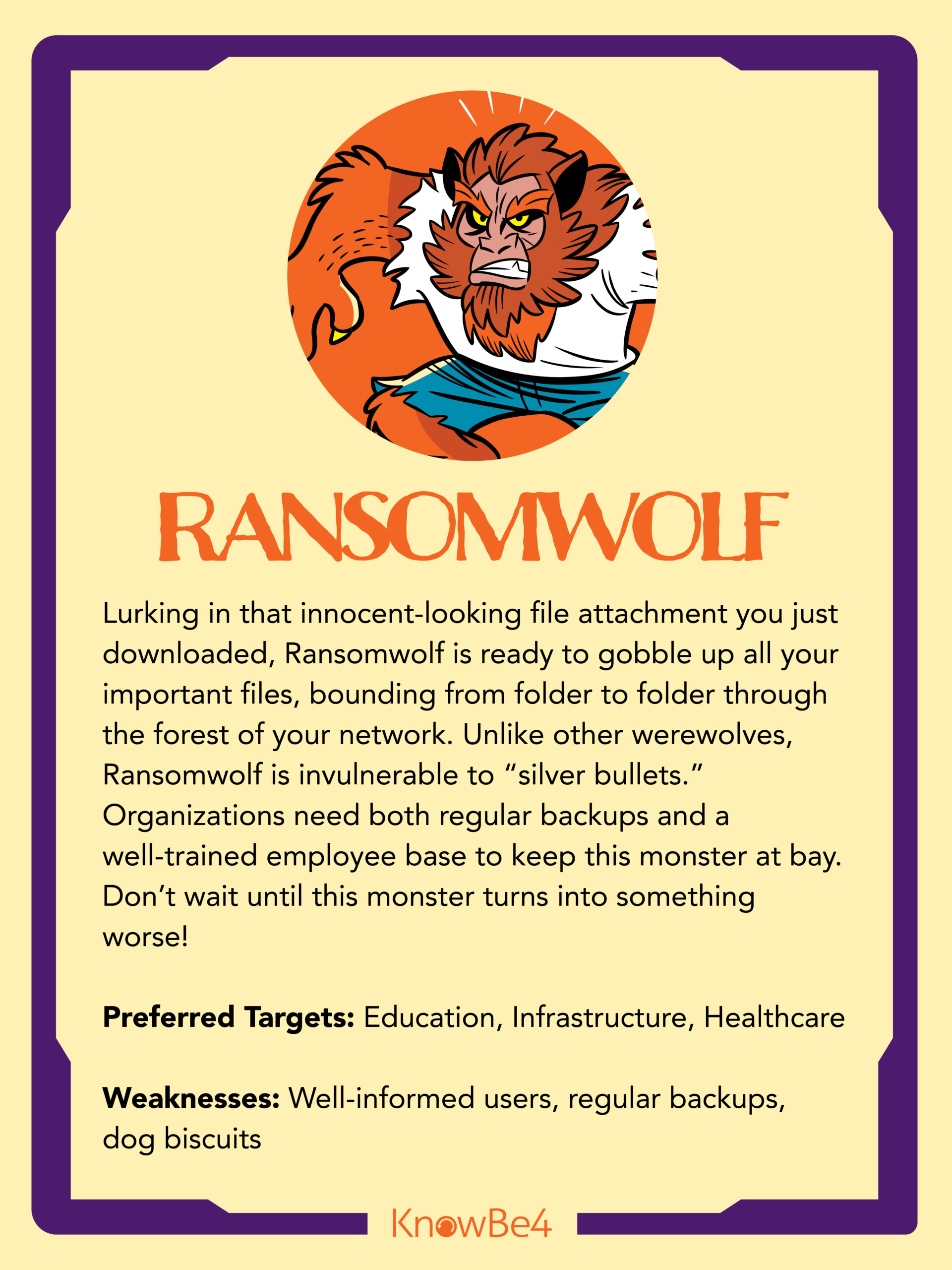
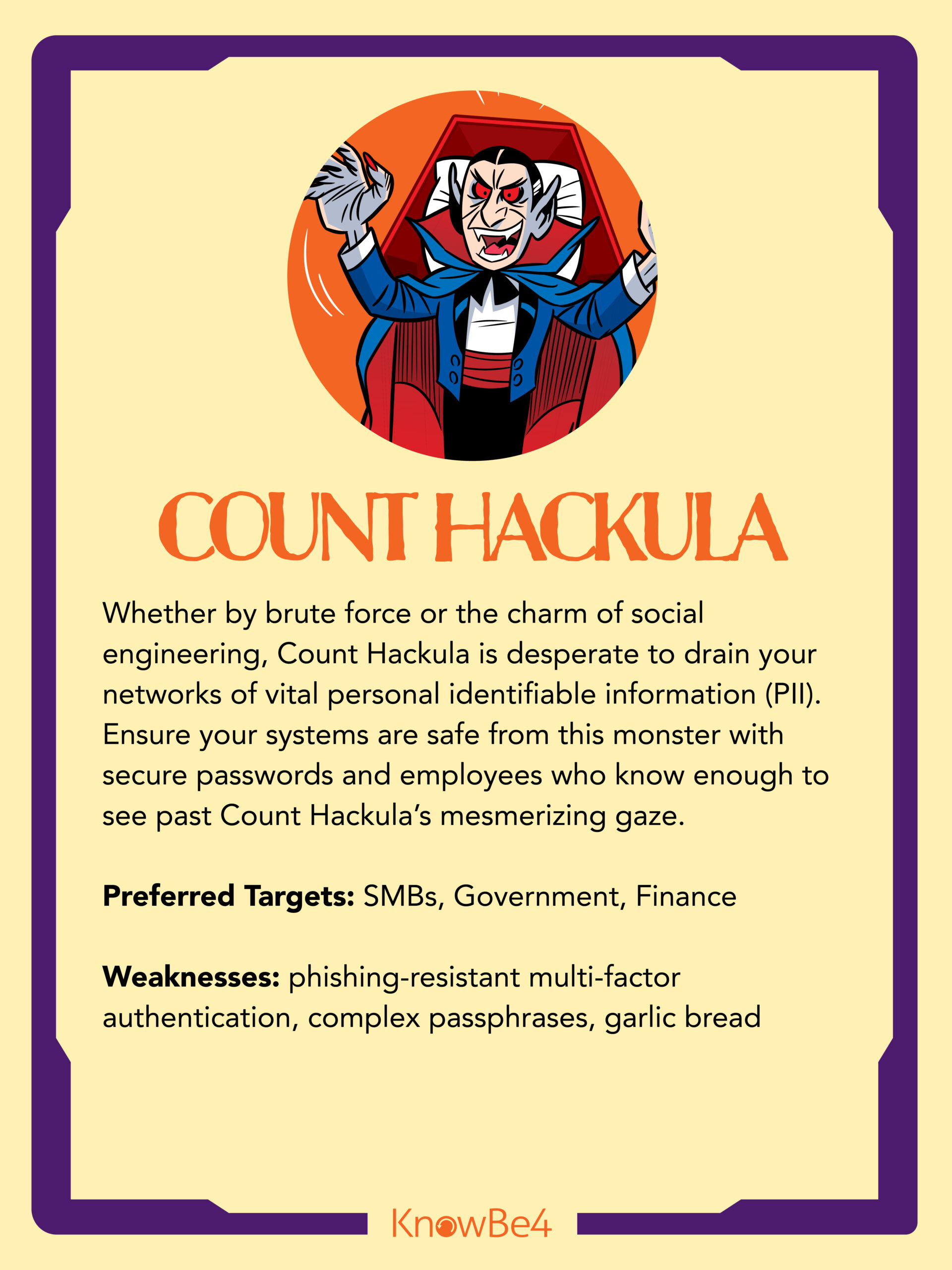
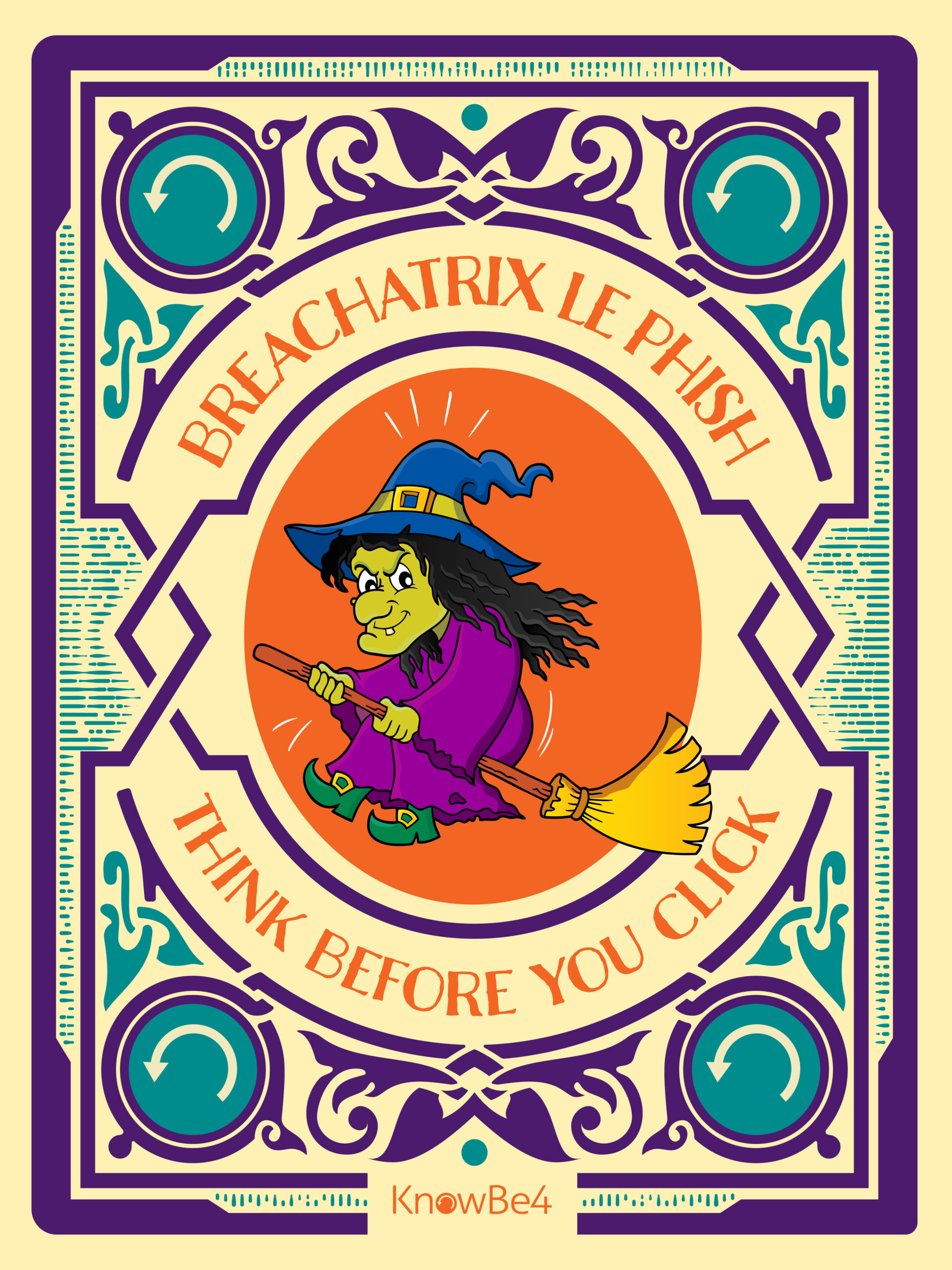
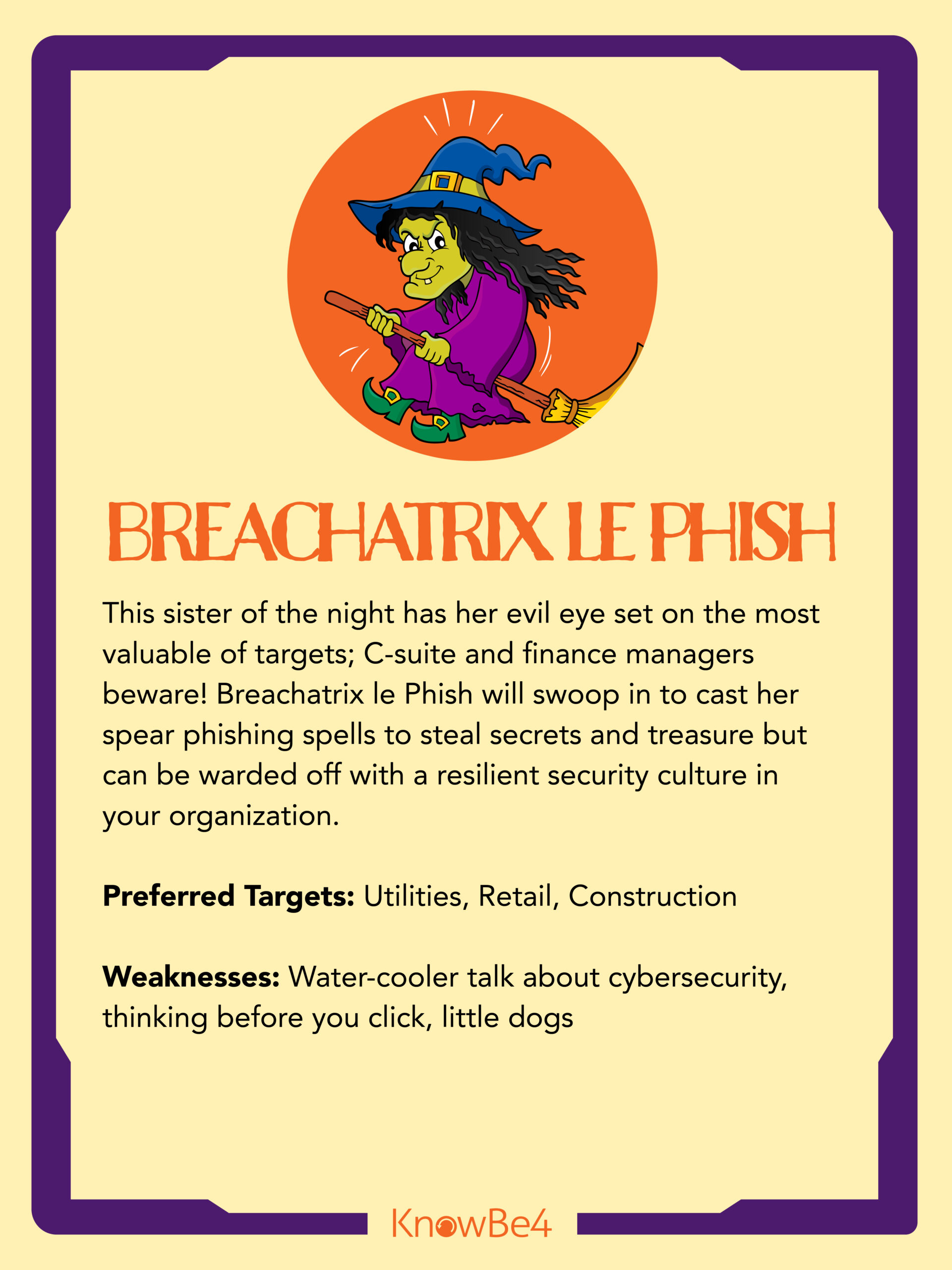
Use the sliders below to reveal the monsters of cybersecurity!
Here are 12 tips to protect your identity!

1. Be Cautious of Links

Links in emails are a common tool used by hackers to trick individuals into giving up their secure information. This is often in the form of banking statements, flight reservations, password recovery emails, and more.

If a user clicks on one of these links, they are taken to a fake site that looks eerily similar to its real counterpart. The site will ask them to login or input private information. Once a hacker has their hands on this information they have access to the user’s account.

So, be aware of the links in your emails. If something looks suspicious, don’t click on it. In fact, the safest bet is to visit a provider’s site directly as opposed to using an email link.

2. Vary Your Passwords

Although it’s easier to remember a single password for all your different accounts, it’s not the most secure. The best practice is to vary your password for every different site and account you use. This way, if a company you use gets breached, those stolen credentials won’t work on other sites. If you’re wondering how you would possibly remember all those passwords, you’re not alone. But, that brings us to tip number three.

3. Use a Password Manager

A password manager is a software or program that keeps all your passwords in one place. You have one “master key” password to unlock access to these passwords. With a password manager, you won’t have to worry about remembering each of your passwords. It will also keep you from having to write passwords down (which you should never do!)

LastPass, KeePass, Dashlane, 1Password, and Roboform are all good programs. Many offer free versions, and some are totally free. And, if you use Dropbox, OneDrive, Google Drive or the like, you can save the password database on your cloud drive and it will be accessible anywhere.

4. Set Up Multi-Factor Authentication

Without multi-factor authentication (MFA) set up, a user can access their account with only a username and password. But, MFA adds another layer of protection. It requires more than one method of authentication to verify a user’s identity for login.

One example of MFA is when a user logs in to a website and must enter an additional one-time password. This one-time password will typically be sent to the user’s email or phone. Setting up MFA creates a layered defense, making it more difficult for an unauthorized person to access your information.

5. Avoid Using Debit Cards Online

Another important cybersecurity tip revolves around making online payments. When you make an online payment, avoid using debit cards. Or anything tied directly to your bank account in fact.

Instead, use options that give an extra layer of protection between hackers and your bank accounts. This could be a credit card with insurance or a type of online payment method like PayPal.

6. Don’t Save Payment Information

A lot of websites allow you to save your credit card information to make future buying faster and easier. Don’t do it. Breaches happen all the time. There’s nothing to steal if your credit card isn’t saved on the site. It may seem like a hassle, but we promise that it’s not as bad as having your information stolen.

7. Keep Your Systems Up to Date

Your software, operating system, and browser should always be up to date. If your business uses a firewall, your firewall software and firmware should also be up to date. The older a system is, the more time hackers have had to try and find vulnerabilities. By updating your systems, you will prevent malware or hackers from exploiting those security weaknesses.

So, next time you see that system update pop-up, don’t ignore it!

8. Avoid Unknown Sites

In this age of social media, it’s easy to share a link online. But, exercise caution when visiting new sites. It’s possible these sites carry “drive-by download attacks” that can threaten your data.

With a drive-by download attack, a user doesn’t even have to click on anything for their computer to get infected. Just visiting a site is enough to pass on malicious code. So, it’s best to stick to well-established sites you know and trust. Although these sites can be hacked too, it’s less likely.

9. Be Careful on Social Media

Social media is a great way to keep in touch with friends and family.  But, be aware of what you are sharing online. Criminals and hackers can learn a lot of information about you by observing your public profile. And just like you wouldn’t share all your personal information with a stranger, you shouldn’t share it all online either.

10. Install Anti-Virus Software

Viruses, spyware, malware, phishing attacks, and more. There are so many ways in which your data can be compromised. Installing anti-virus software on your device will help combat these attacks. Make sure the software is active and up to date, and it should prevent digital security threats before they even happen.

11. Avoid Unnecessary Downloads

Downloads are a prime tactic hackers use to gain access to your network. To protect your computer and your data, limit your downloads. Any unnecessary software or browser extensions should be avoided. And in an organization, employees should need authorization before downloading anything from the internet.

If you deem a download safe, always choose a custom install and watch carefully. If any add-ons or extensions pop up during automatic installations, decline them.

12. Be Overly Suspicious

Although many things online are secure, it’s better to be safe than sorry. Be aware of any links you are clicking, software you are downloading, and sites you are visiting. Keeping a little healthy paranoia towards email, social media, and the internet can help you catch things that would otherwise slip by.

If you think that you are a victim of identity theft, or believe that someone has stolen or gained access to your finances:

24-Hour Fraud Center
Ph: 1-800-237-8990
Text: 96923

If we suspect fraud on your account, you may receive a text message to verify recent account activity. Simply follow the instructions on the screen to proceed. If you would like to speak with a representative, call the phone number above. For security purposes, you will need to provide the 6-digit reference number included in the text message.

Contact Us
mcsite-07
MAC Business Card-06
lender
verified
wasilla-chamber
ncua
GFCC
Proud Member 2023 - web
Quick Links
  • Services
  • Become a Member
  • Financial Tools
  • About
  • Apply for a Loan
  • Apply for a Mortgage
Tools & Resources
  • Calculators
  • Rates
  • Activate a Debit/Credit Card
  • Order Checks
Contact Us
  • 10th Avenue Branch
  • Ft. Wainwright Branch
  • Wasilla Branch
  • Palmer Branch
  • Call Center
  • Shared Branches
  • ATM Locations
  • Holiday Closures
Contact Us

Routing Number: 325280039

When clicking on a third-party site, MAC FCU is not responsible for the product, service, or overall website content on the third-party website.

MAC Envelope-04
MAC Envelope-03
MAC Envelope-06
MAC Envelope-05

Terms of Use | Sitemap | Privacy Policy

Copyright © 2025 · MAC Federal Credit Union · PMD Group

You are about to leave the MAC FCU website.

When clicking on a third-party site, MAC Federal Credit Union is not responsible for the product, service, or overall website content on the third-party website.

Continue to third-party site

You are about to leave the MAC FCU website.

When clicking on a third-party site, MAC Federal Credit Union is not responsible for the product, service, or overall website content on the third-party website.

Continue to third-party site

You are about to leave the MAC FCU website.

When clicking on a third-party site, MAC Federal Credit Union is not responsible for the product, service, or overall website content on the third-party website.


Mortgage Calculator

You are about to leave the MAC FCU website.

When clicking on a third-party site, MAC Federal Credit Union is not responsible for the product, service, or overall website content on the third-party website.


Retirement Savings Calculator

You are about to leave the MAC FCU website.

When clicking on a third-party site, MAC Federal Credit Union is not responsible for the product, service, or overall website content on the third-party website.


Savings Calculator

You are about to leave the MAC FCU website.

When clicking on a third-party site, MAC Federal Credit Union is not responsible for the product, service, or overall website content on the third-party website.


Loan Calculator

You are about to leave the MAC FCU website.

When clicking on a third-party site, MAC Federal Credit Union is not responsible for the product, service, or overall website content on the third-party website.

Continue to third-party site.

You are about to leave the MAC FCU website.

When clicking on a third-party site, MAC Federal Credit Union is not responsible for the product, service, or overall website content on the third-party website.

Continue to third-party site.

You are about to leave the MAC FCU website.

When clicking on a third-party site, MAC Federal Credit Union is not responsible for the product, service, or overall website content on the third-party website.

Continue to third-party site.

You are about to leave the MAC FCU website.

When clicking on a third-party site, MAC Federal Credit Union is not responsible for the product, service, or overall website content on the third-party website.

Continue to third-party site.

You are about to leave the MAC FCU website.

When clicking on a third-party site, MAC Federal Credit Union is not responsible for the product, service, or overall website content on the third-party website.

Continue to third-party site.

You are about to leave the MAC FCU website.

When clicking on a third-party site, MAC Federal Credit Union is not responsible for the product, service, or overall website content on the third-party website.

Continue to third-party site.

You are about to leave the MAC FCU website.

When clicking on a third-party site, MAC Federal Credit Union is not responsible for the product, service, or overall website content on the third-party website.

Continue to third-party site.

You are about to leave the MAC FCU website.

When clicking on a third-party site, MAC Federal Credit Union is not responsible for the product, service, or overall website content on the third-party website.

Continue to third-party site.

You are about to leave the MAC FCU website.

When clicking on a third-party site, MAC Federal Credit Union is not responsible for the product, service, or overall website content on the third-party website.

Continue to third-party site.

You are about to leave the MAC FCU website.

When clicking on a third-party site, MAC Federal Credit Union is not responsible for the product, service, or overall website content on the third-party website.

Continue to third-party site.

You are about to leave the MAC FCU website.

When clicking on a third-party site, MAC Federal Credit Union is not responsible for the product, service, or overall website content on the third-party website.

Continue to third-party site.

You are about to leave the MAC FCU website.

When clicking on a third-party site, MAC Federal Credit Union is not responsible for the product, service, or overall website content on the third-party website.

Continue to third-party site.

You are about to leave the MAC FCU website.

When clicking on a third-party site, MAC Federal Credit Union is not responsible for the product, service, or overall website content on the third-party website.

Continue to third-party site.

You are about to leave the MAC FCU website.

When clicking on a third-party site, MAC Federal Credit Union is not responsible for the product, service, or overall website content on the third-party website.

Continue to third-party site.

You are about to leave the MAC FCU website.

When clicking on a third-party site, MAC Federal Credit Union is not responsible for the product, service, or overall website content on the third-party website.

Continue to third-party site.